For the first birthday
A birthday banner
full of little smiles.
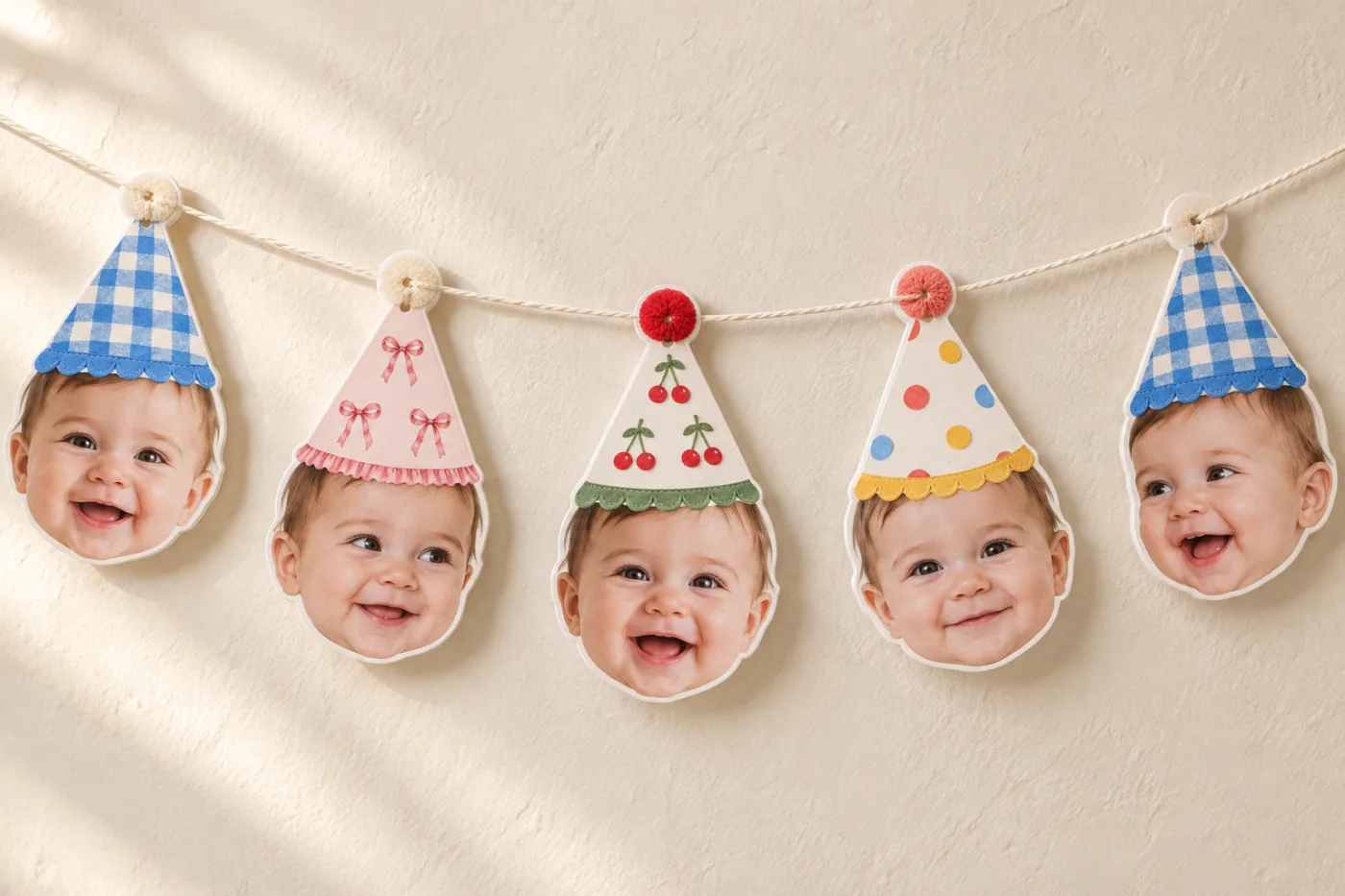
Decorate the party with photos of your little one. Choose their hats in Buntini, print your design and string the portraits together.
View on the App StoreFor iPhone and iPad · iOS 17 or later
01 Choose your photos
From first photo
to first candle.
Pick a photo for each month to show how much your baby has grown. Or start with a few favorites and add the others later.
Buntini helps remove the background. You can tidy up the edges by hand.
02 Make it yours
Party hats to
match your plans.
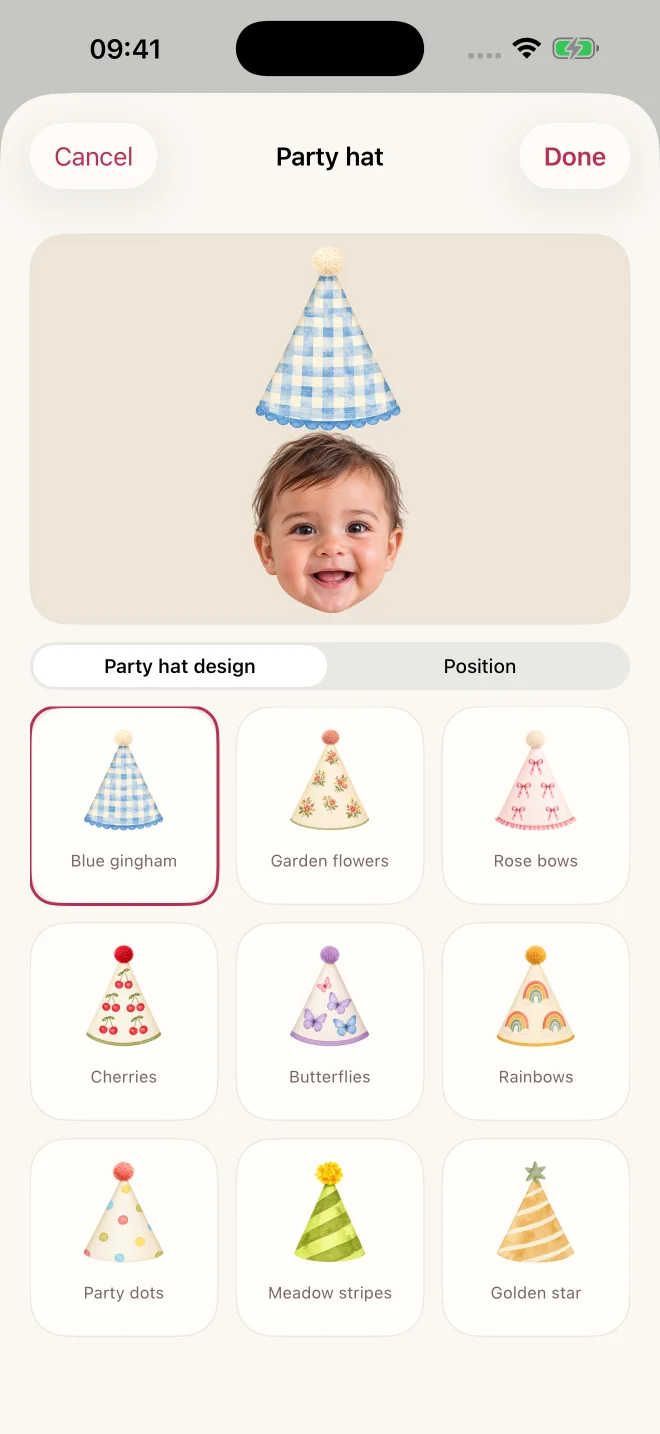
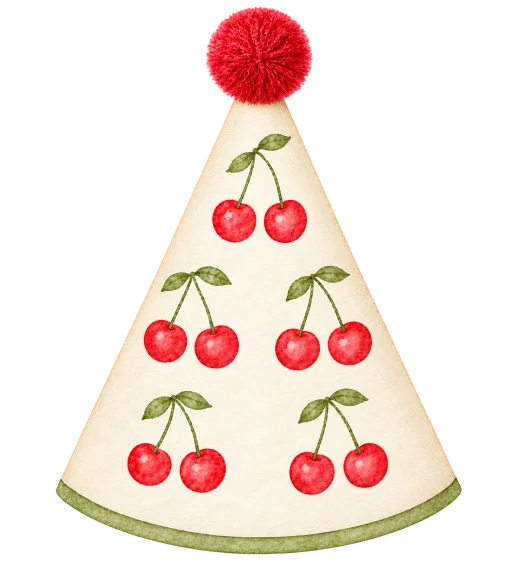
Find a pattern to go with your party colors. Try soft gingham or a cheerful cherry print.
Move, resize and tilt each hat to fit. Add month labels if you want to tell the story of their first year.
Choose a pattern
From the Buntini collection
03 Put it together
Now for the
paper and scissors.
Print your design at home or at a print shop. The outlines on each page show you where to cut.
Save your PDF
Choose A4 or US Letter paper.
Set the print size
Print at 100% / Actual Size, with Fit to Page turned off.
Put it all together
Cut out the portraits and attach them to ribbon or string.
You’ll need paper, scissors and ribbon or string for assembly.
Good to know
Which photos work best?
Choose clear, well-lit photos with one face. Keep the whole head, hair and ears in the frame — it makes the portrait easier to prepare for printing.
Can I make a banner for another occasion?
Yes. Choose a few favorite photos and turn off the month labels. Your banner can be part of a family celebration or a photo shoot with your baby.
What happens to my photos?
Copies of your selected photos and your projects are saved on your device. To prepare cutting outlines, the server receives silhouette data and labels. For previews and PDFs, it receives the prepared portraits. If you keep the full photo instead of a cutout, the whole photo is sent. After receiving the result, the app requests deletion of the temporary files and retries if the request fails. Any remaining files expire after 24 hours and are deleted during the next cleanup. You don't need a Buntini account.
Do I need an internet connection?
Yes. Loading the party hat collection and creating cutting outlines, previews and new PDFs require a connection to the server. If the connection drops, try again later — you don't need to buy access again.
How do I restore my purchase?
Sign in with the same Apple Account and tap “Restore purchase” in Buntini's purchase settings. This restores access to PDFs. Projects are stored on your device, so restoring a purchase won't bring back deleted banners or photos.
Which photo
comes first?
Make your banner and preview the design for free. One purchase gives you PDFs for every banner you make, including future ones. No subscription.
View on the App StoreYou'll see the price in your App Store currency before you buy.